AI Image Generator
Generate images from text prompts or reference images. The model you choose defines the transformations and settings available to you.

References
0/14Explore AI Generation Tools
Start with a supported generation template. Availability, inputs, and credit costs depend on the model and task.
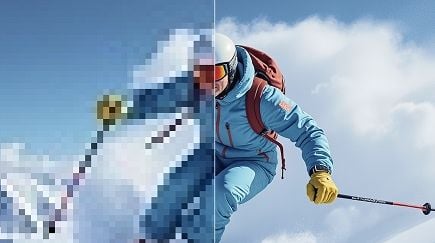
Image Upscaler
Coming soon
Background Remover
Coming soon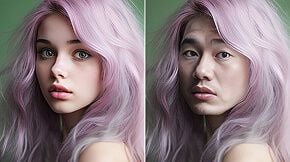
Photo Face Swap
Coming soon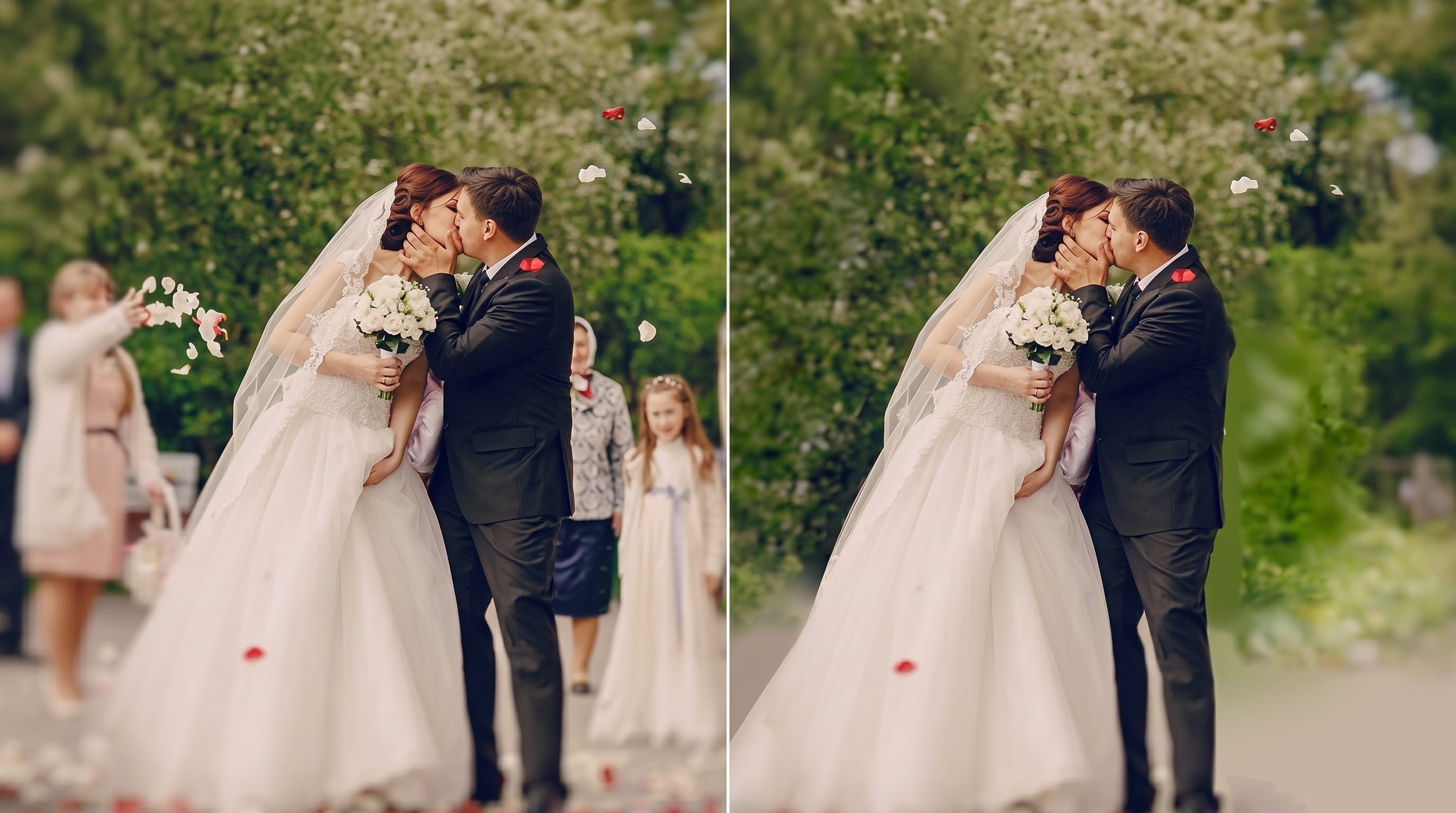
Magic Eraser
Coming soon
Object Remover
Coming soon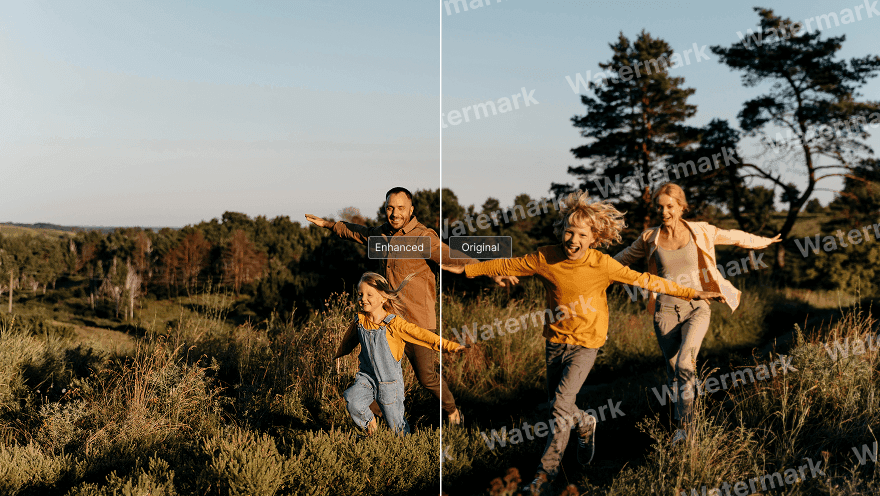
AI Watermark Remover
Coming soon
AI Background Changer
Coming soon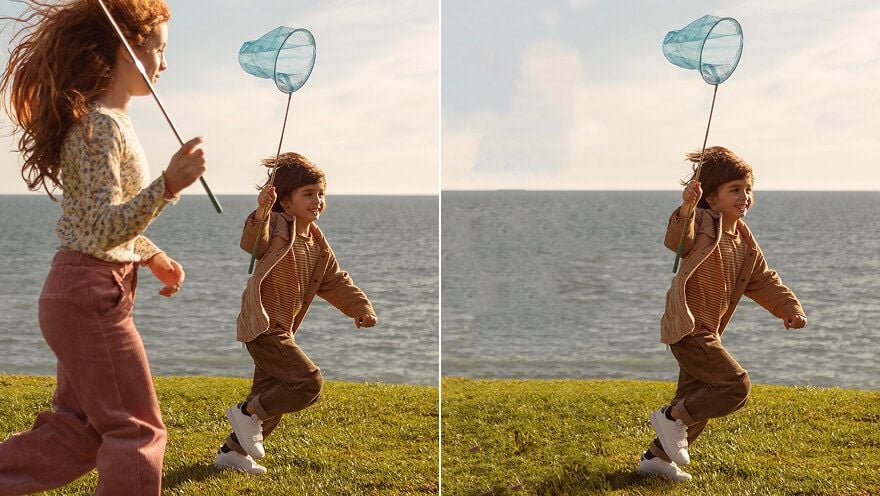
AI People Remover
Coming soon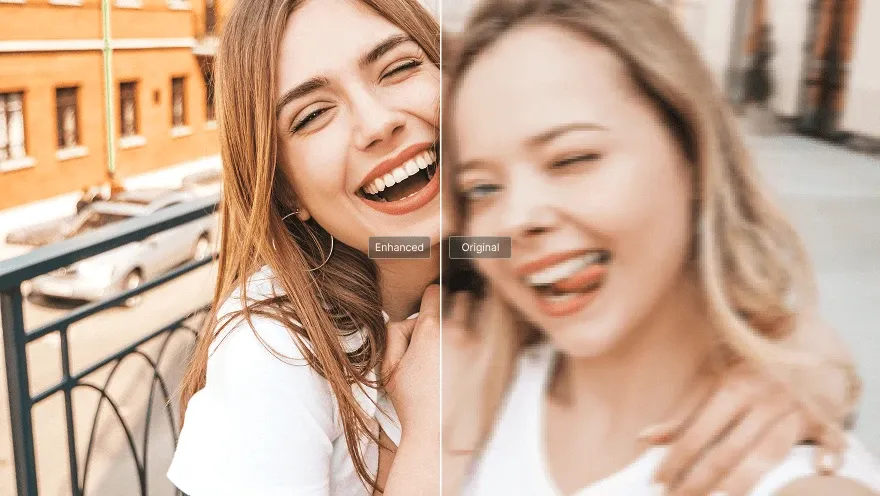
AI Face Enhancer
Coming soon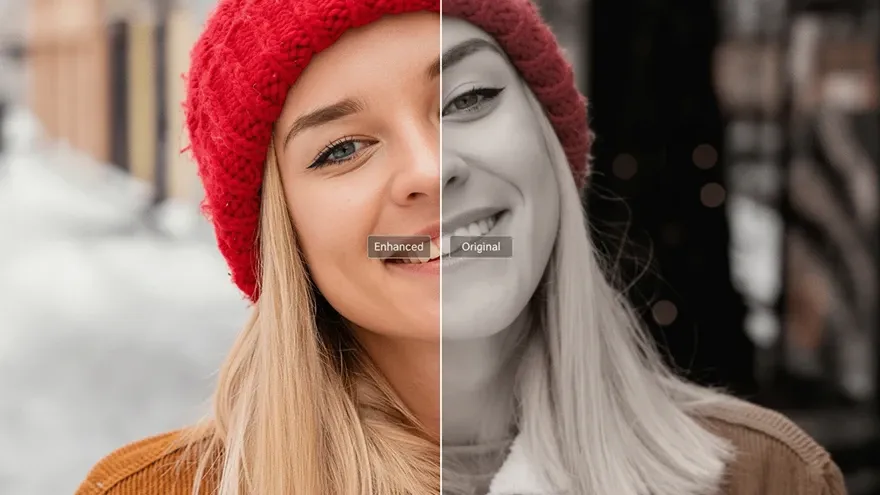
AI Photo Retouching
Coming soon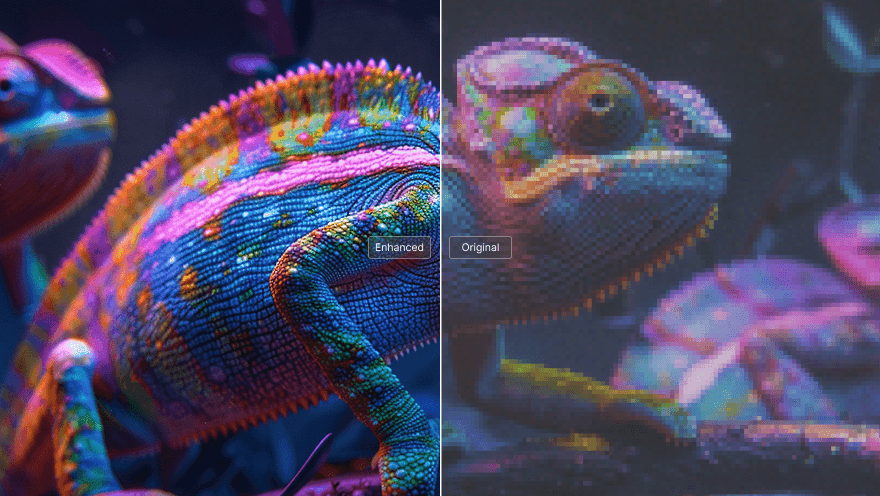
HD Image Converter
Coming soon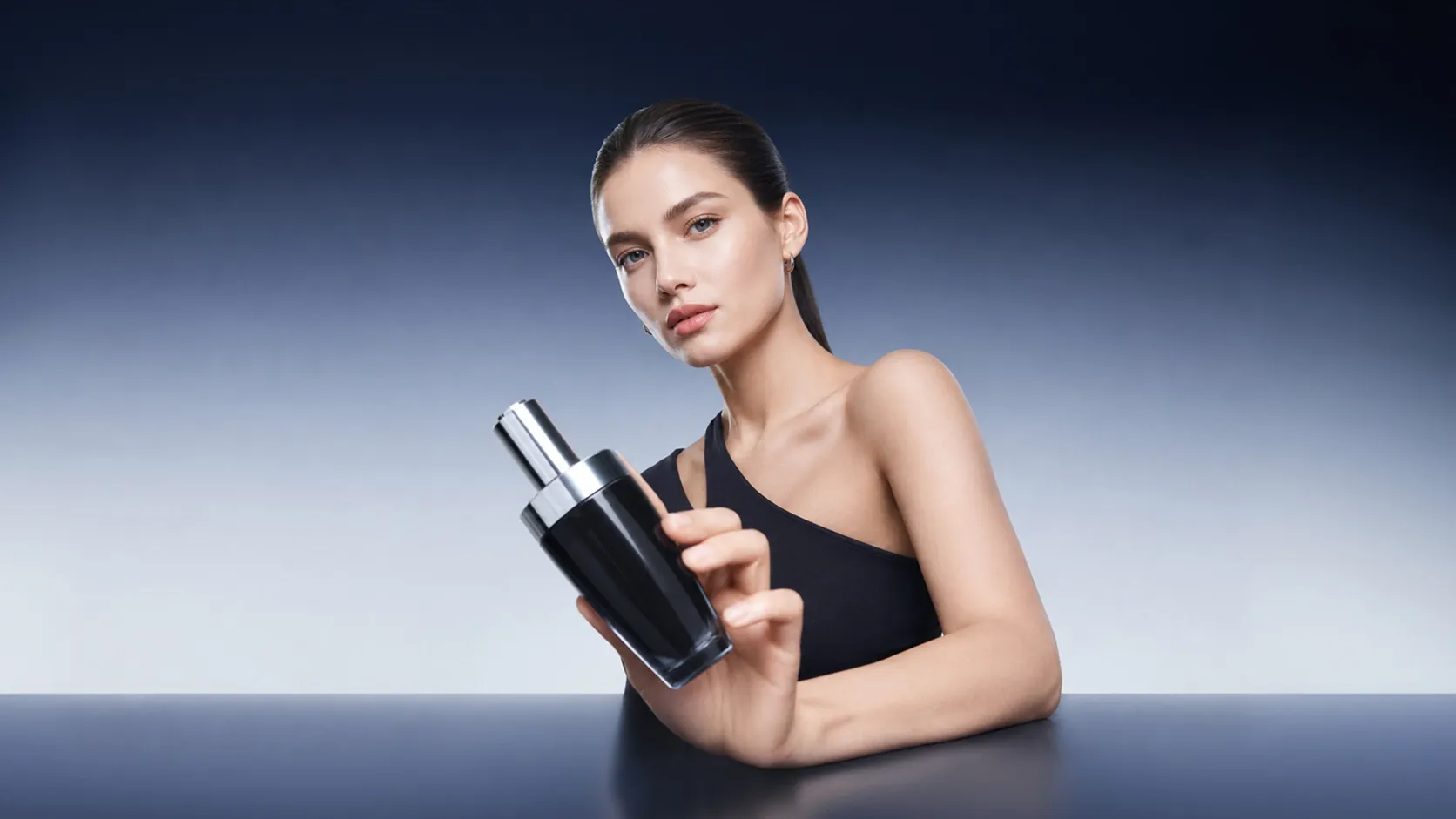
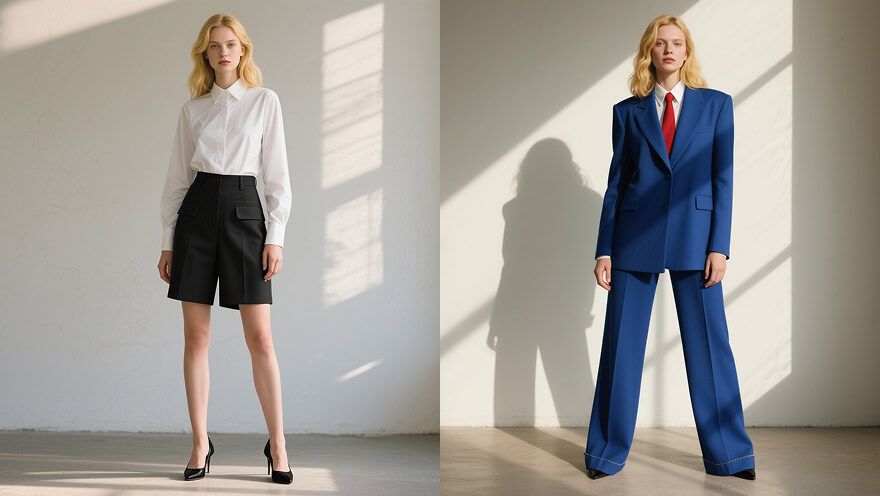
AI Clothes Changer
Coming soon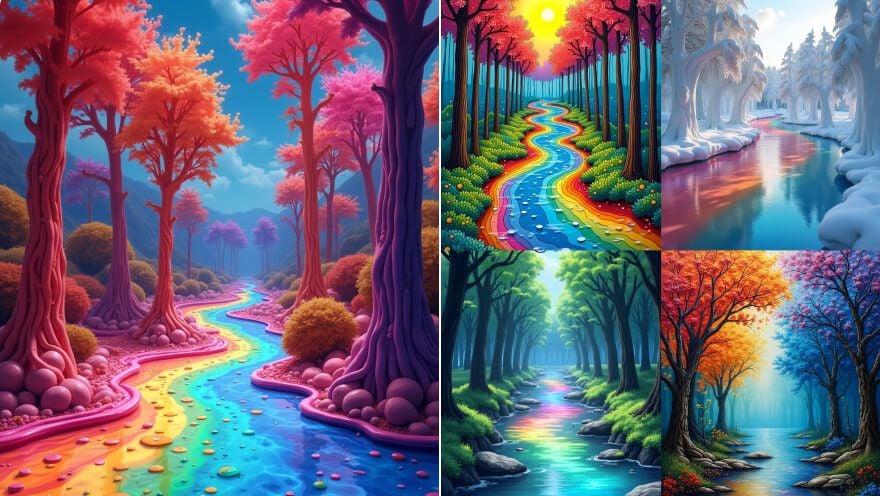
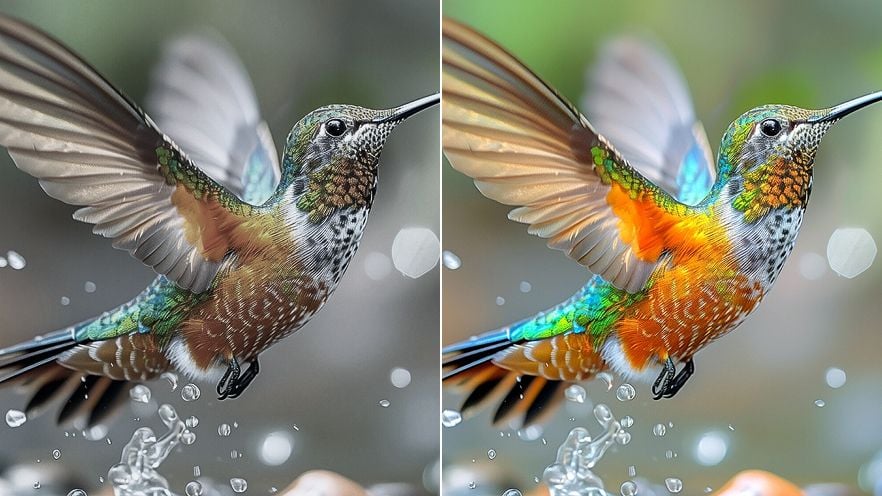
Image Enhancer
Coming soon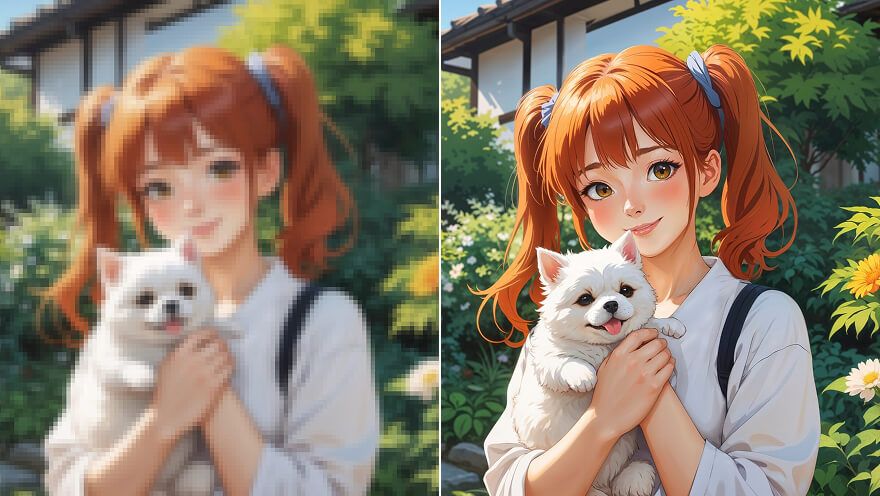
Anime Upscaler
Coming soon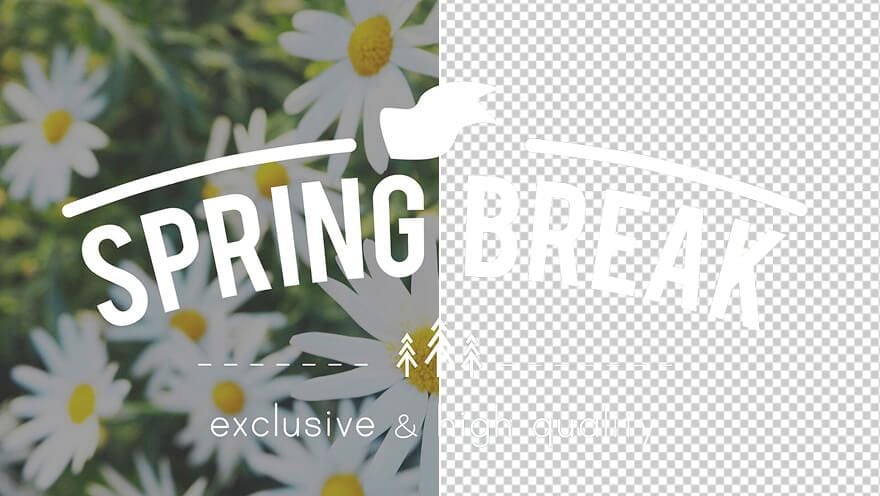
Logo Background Remover
Coming soon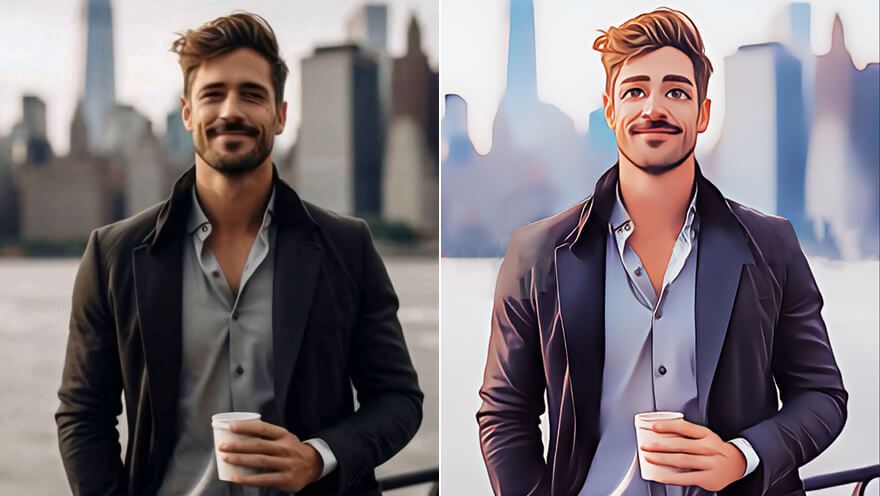
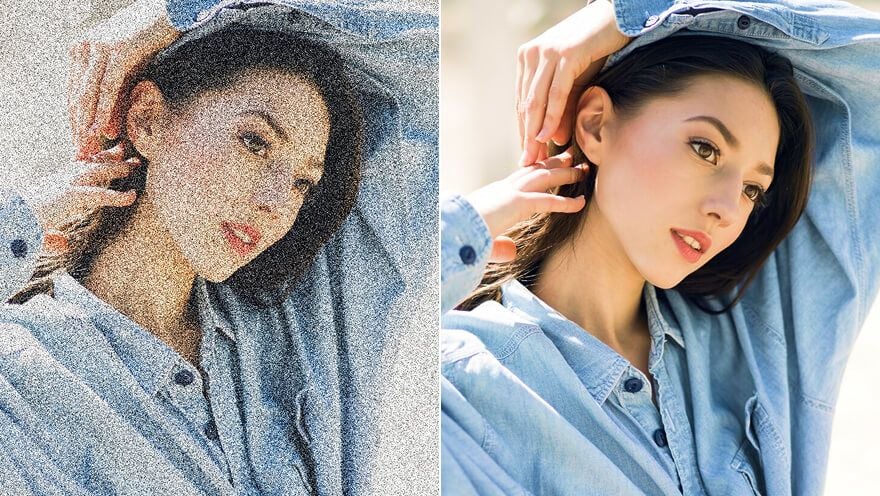
Denoise AI
Coming soon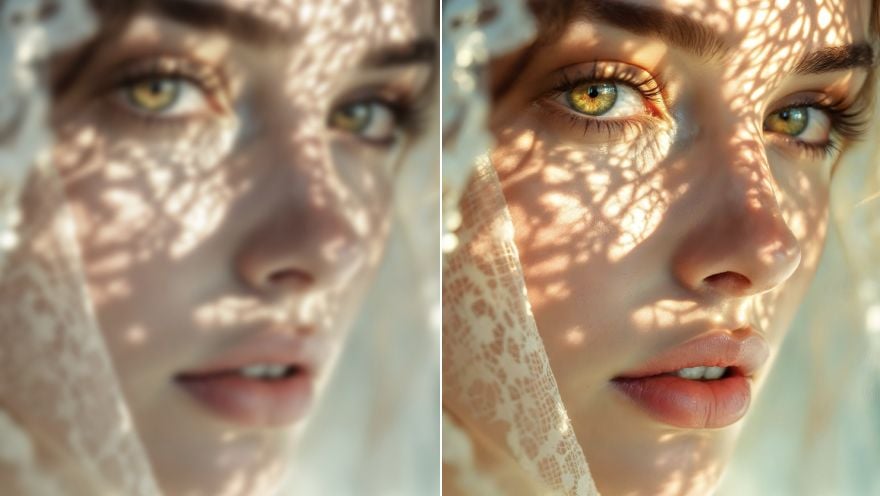
Unblur Images
Coming soon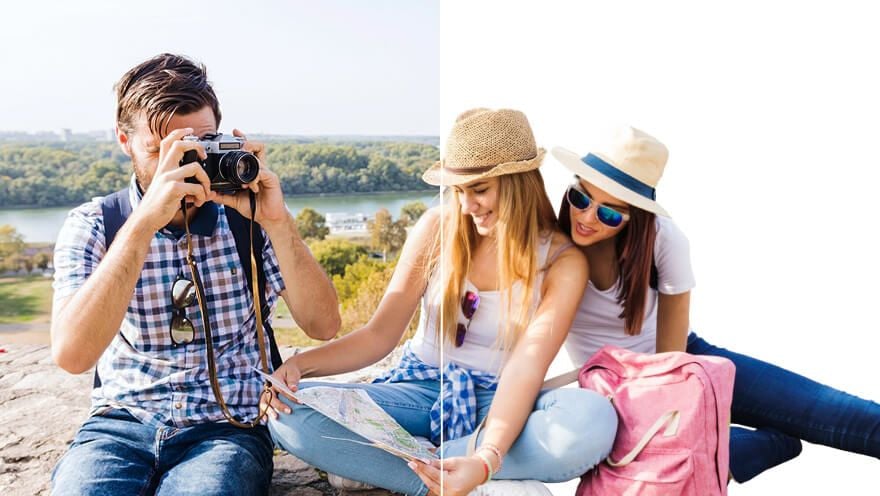
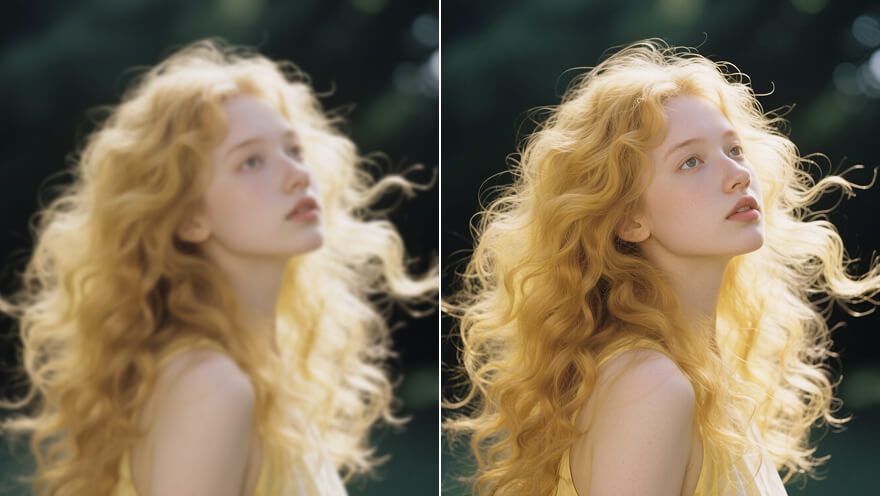
Image Sharpener
Coming soon
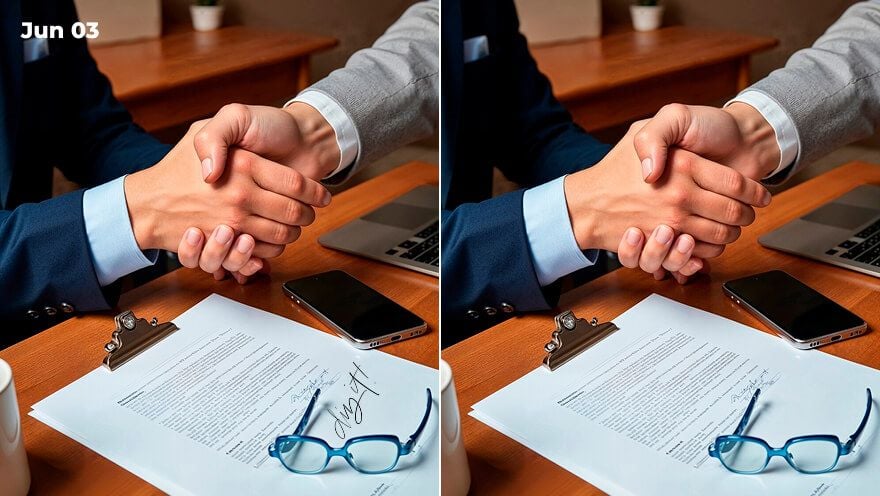
Text Remover
Coming soon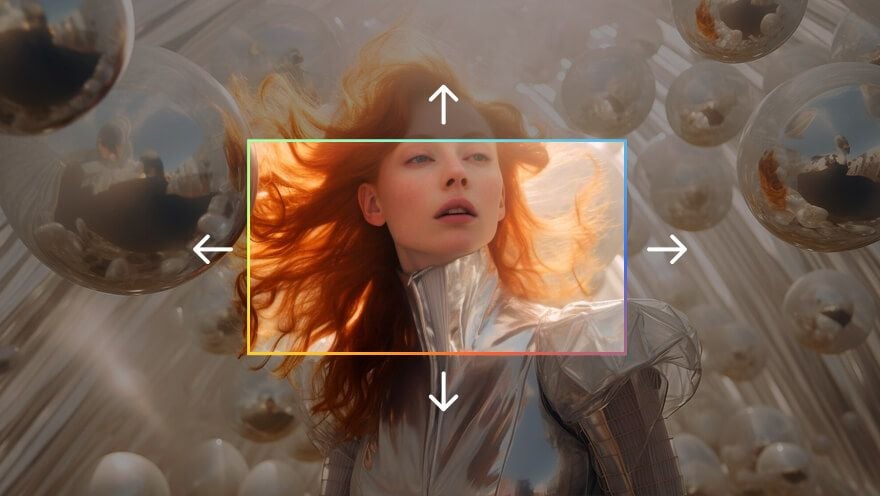
Uncrop & Expand Image
Coming soon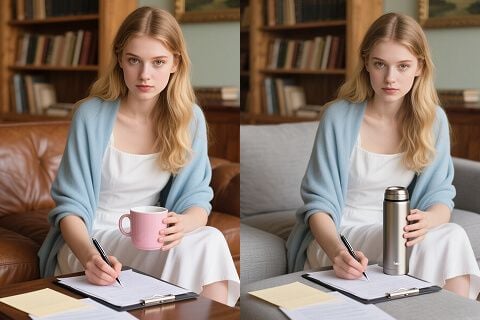
Inpaint
Coming soonHow to use
- Choose an input: write a text prompt, or add a reference image when your selected model supports it.
- Select a supported model.
- Review the available settings and the credit cost shown before you generate.
- Generate and find your results in History.
Input prompt examples
Use these prompts as written or adapt them to your own idea.
Product visual
Minimal ceramic coffee packaging on a warm beige background, soft morning light and shadows, commercial product photography.
Illustration
A cozy reading nook with a cat sleeping on a stack of books, warm colors, flat illustration style, clean shapes.
Inputs and limitations
Available inputs depend on the selected model: the model picker shows which inputs each model accepts, including optional reference images. Image size and aspect ratio options depend on the model and the settings you choose.
Credit costs
Credit costs depend on the model, selected options, and your plan. The exact cost is displayed before you generate, and credits for failed generations are returned automatically.