Nano Banana 2 AI image generator
Nano Banana 2 is Google's image generation model, known for strong instruction following and multi-image fusion on the provider side. Generate it on this page: pick 1K or 2K, square, landscape or portrait, then check the credit quote before you submit.
Image examples
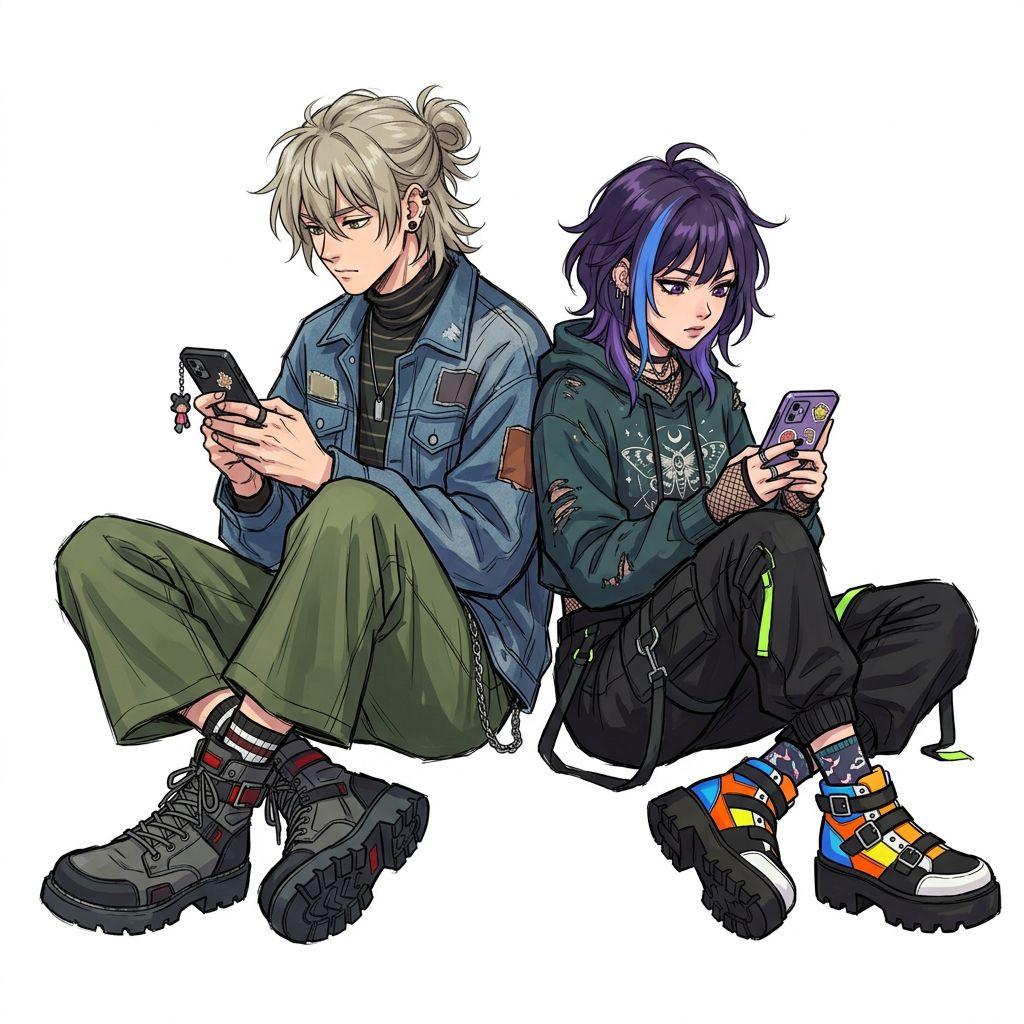

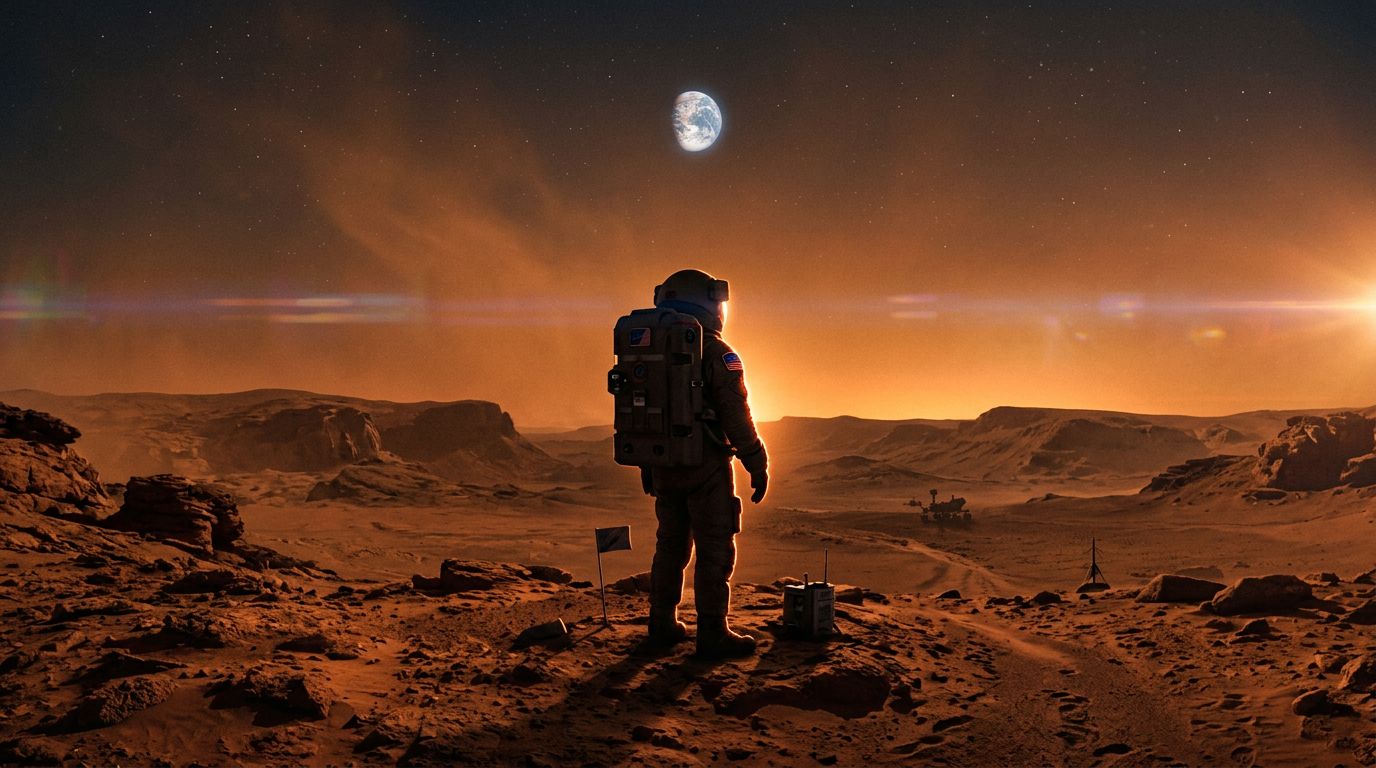
Nano Banana 2 cost and settings
Current VideoDance settings and credit quotes. Check the final quote in the generator before submitting.
- Output
- Still image
- Resolution
- 1K / 2K
- Aspect ratio
- 1:1 / 16:9 / 9:16
| Output settings | Credits / image |
|---|---|
| 1K | 5 |
| 2K | 10 |
How subscription cost relates to a generation
The allocation below assumes you use every monthly credit. It is not a pay-as-you-go purchase price. Example: 1K · image. Annual billing charges the whole year upfront and grants credits monthly. Credits expire after 30 days; unused credits do not roll over.
| Plan / billing | Checkout (USD) | Credits / month | Allocated USD / output |
|---|---|---|---|
| Lite · monthly | $15.00 / month | 300 | $0.25 |
| Lite · annual | $120.00 / year | 300 | $0.167 |
| Pro · monthly | $29.00 / month | 800 | $0.181 |
| Pro · annual | $174.00 / year | 800 | $0.091 |
| Ultra · monthly | $139.00 / month | 5000 | $0.139 |
| Ultra · annual | $468.00 / year | 5000 | $0.039 |
What is Nano Banana 2?
Nano Banana 2 is Google's image generation model — the successor to the viral Nano Banana — tuned for instruction following, text rendering and multi-image fusion on the provider side. On VideoDance it produces 1K or 2K images in square, landscape or portrait.
Prepare a still image before animating it
Write down the subject, composition and intended crop first. Review the still image before sending it into a separate video workflow. Image generation and video generation have separate credit costs. Inspect lettering, logos, product details and faces before publication.
A prompt to adapt
Create a square studio photograph of an unbranded amber glass bottle on a pale grey surface. Soft light from the left, a subtle shadow to the right, empty space above the bottle. No labels and no text.
Change one element at a time when comparing variations.
What to check before choosing this model
Nano Banana 2 and Nano Banana 2 Lite are different catalog entries. Lite’s prices and promotions do not apply to this model.
Common questions
How to review your output
- 1
Inspect the silhouette
Check the bottle neck, rim and symmetry at full size. Look for inconsistent reflections and impossible glass edges.
- 2
Keep composition useful
Confirm the intended empty space remains above the bottle and the shadow direction matches the brief. Review the actual crop before export.
- 3
Separate image and video budgets
Approve the still before starting a video generation. Animating it is another operation with its own model, settings and credit quote.
Use the generator above. Set your options and review the final credit quote before submitting.
Compare other models
Seedance 2.5 AI Video Generator — Try It Online
Generate videos with Seedance 2.5 online. Type a prompt, get a 5–15s clip with optional sound. See examples, settings and the exact credit cost on VideoDance.
Seedance 2.0 AI Video Generator — Try It Online
Generate videos with Seedance 2.0 online. Type a prompt, get a 5–10s clip with optional sound. See examples, settings and the exact credit cost on VideoDance.
Kling 3 AI Video Generator — Try It Online
Generate videos with Kling 3.0 online. Type a prompt, get a 5–15s clip with optional sound. See examples, settings and the exact credit cost on VideoDance.
Veo 3.1 Fast AI Video Generator — Try It Online
Generate videos with Veo 3.1 Fast online. Type a prompt, get a 4–8s clip with optional sound. See examples, settings and the exact credit cost on VideoDance.
Sources and verification
Maintained by VideoDance · Facts checked
- Nano Banana 2 provider documentation
Model identity and upstream capabilities. VideoDance controls and billing are shown separately on this page.
Settings reflect the options available on VideoDance. Credit tables use the current billing catalog.